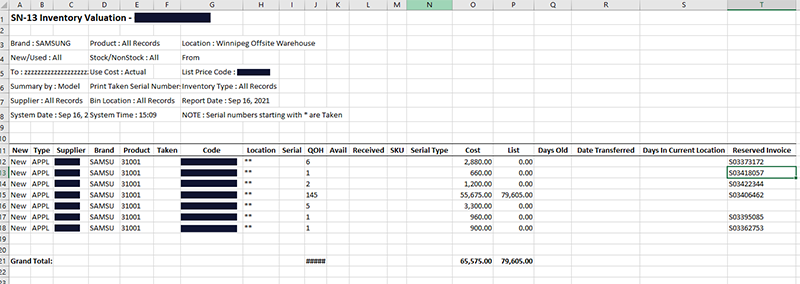
SN-13 Inventory Valuation
SN-13 is the main report for your serial inventory valuation. You can create a printable PDF report or export the report data to Excel.
Note
For item inventory valuation, use report IN-12.
To Run the SN-13 Report
-
Select > Serial Inventory > Reports…1 > SN-13 Valuation.
-
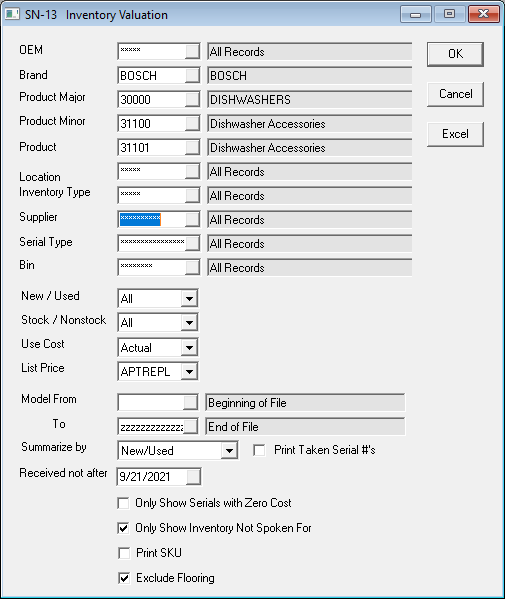
Fill out the report parameters.
-
Do one of the following:
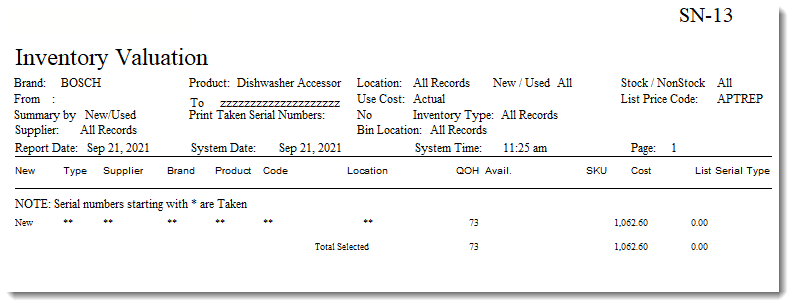
- Click OK to create a printable PDF report. -or-
- Click Excel to export the report data to Microsoft Excel.
PDF Example
Excel Example